
One asset library. Every signature stays on-brand.
Upload once, use everywhere. Branding settings store the visual building blocks your templates and campaigns draw from, keeping signatures consistent even when teams edit layouts.
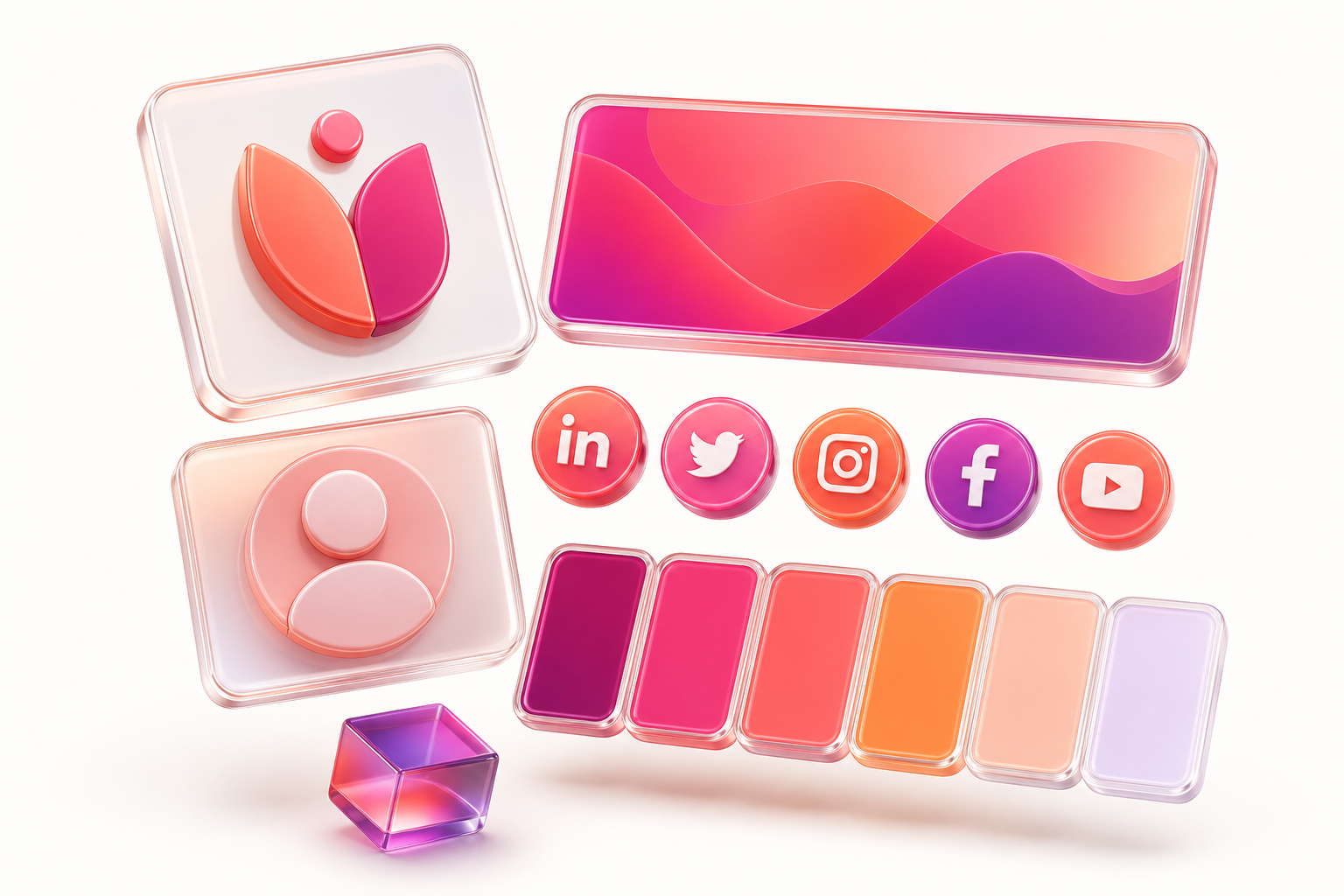
One library, five asset types
Every building block in one place
Upload each asset type once. Templates and campaigns pull from the same approved library.
Logo
Your company mark for every signature template.
≈ 300px wideProfile photo
Headshot placeholders that map to each sender.
≈ 300px wideBanner
Campaign creative, required before a campaign can launch.
≈ 400px wideIcon
Small graphics and social-style icons.
≈ 100px wideUpload once, stay consistent
Resize on upload, and WiseSignly even pulls a color palette from each asset so teams match your brand at a glance.
Upload an asset
Pick a type, then drop your file in.
Drop PNG, JPG, or SVG
Up to 3 MB, resized on upload
Reused everywhere
One source, every signature
Brand library
Logos, banners, icons
Templates
Drop assets into any layout
Campaigns
Banners must come from here first
In the product
A tidy, governed asset library
- PNG, JPG and JPEG supported, up to 3 MB
- Edit, rename, or delete assets from one library
- Admin or Editor role required to manage branding
Ready to build your brand library?
Sign up free or read the step-by-step setup guide.