
Simulate and verify signatures after deploying company-wide.
Rules can interact in subtle ways. Preview and Testing shows exactly which template and active banner a sender would receive based on your current rules, so you catch mistakes before employees do.
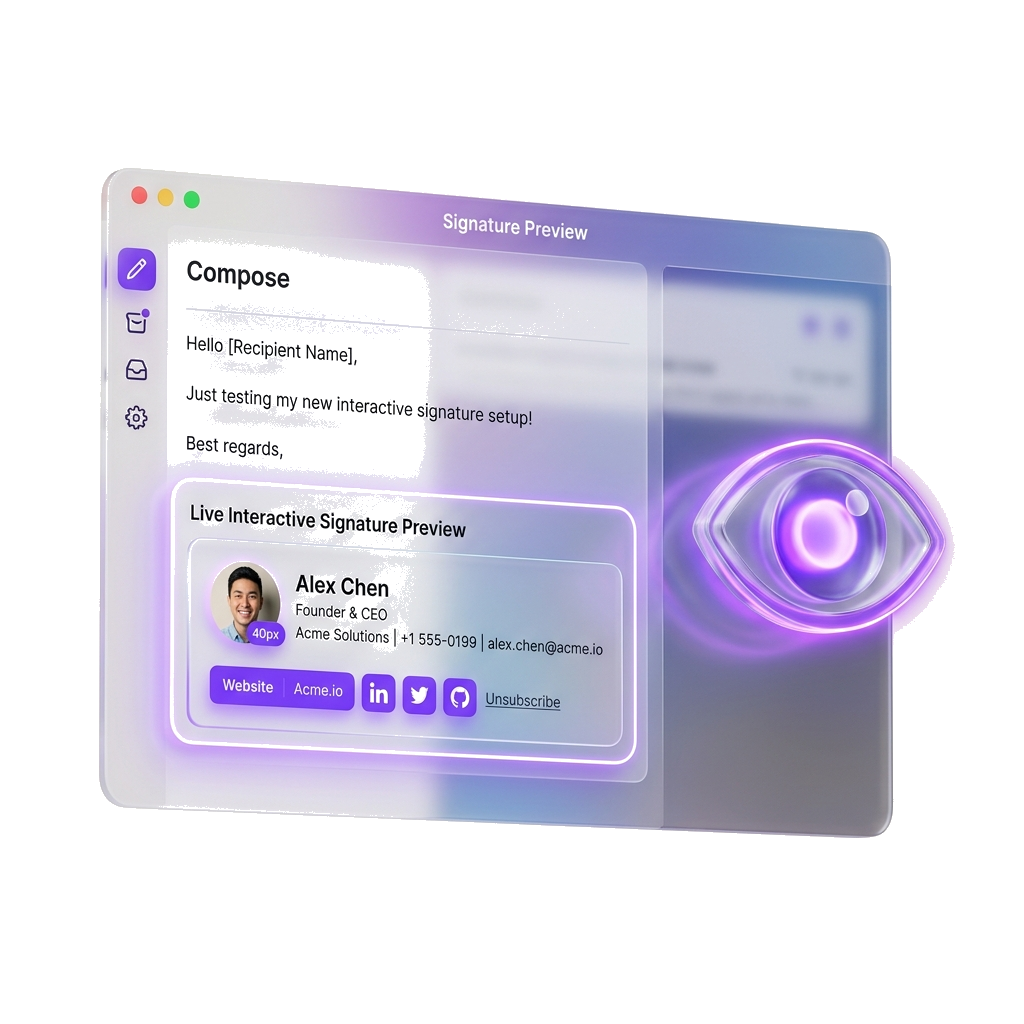
Simulator Console
Test signature rules in real-time
Evaluate rules, preview templates, and verify how banner campaigns attach.
Simulation Pending
Configure parameters on the left and click Run Simulation to evaluate routing rules.
How it works
Simple verification pipeline
1. Select Sender
Pick any synced user from the organization directory to begin.
2. Input Context
Add recipient details or message type (reply/forward) for precise rule matching.
3. Evaluate Rules
The simulator runs rules in priority order until the first matches.
4. Instantly Preview
Inspect the rendered HTML signature and campaign banner in the mock mailbox.
Testing Scenarios
Capture edge cases before users do
Test Conditional Campaigns
Verify that marketing banners only attach to external client emails while keeping internal signatures simple.
Validate Reply/Forward Exceptions
Confirm that reply and forward chains show trimmed fallback signatures rather than the full legal disclaimer blocks.
Audit Executive Priority
Ensure top-priority executive signatures override department-level templates for CEO/VP mailboxes.
Product Dashboard
Verify rule evaluation inside the app
- Simulated HTML viewer shows live rendering
- Matches sender and recipient attributes instantly
- Color-coded highlights show precisely which rule matched
Ready to try Preview & Testing?
Sign up for a free sandbox account or check our guide.